Compression stays local
Your PDF is processed inside the extension rather than uploaded to a compression service.
Private PDF compression
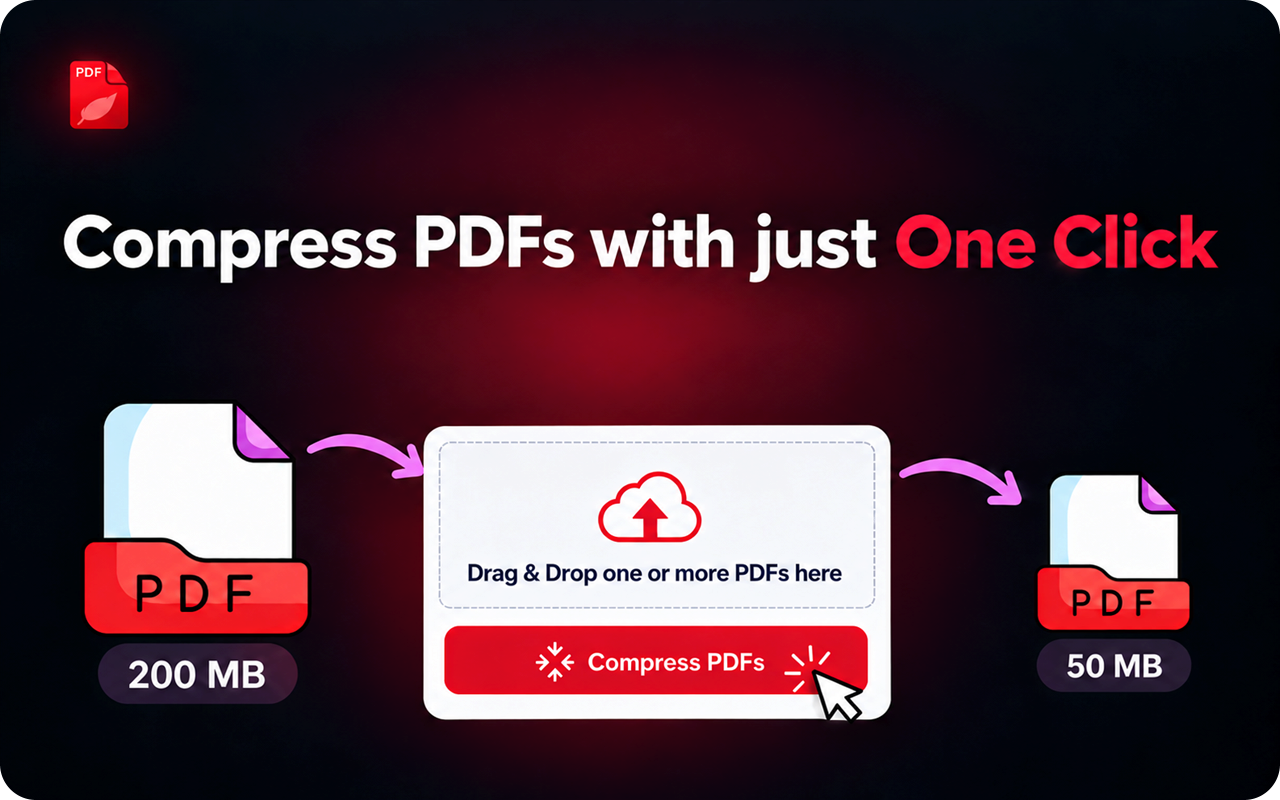
Compress one PDF or an entire batch directly in your browser. Choose a quality level yourself, or let the extension select one for you.
Simple by design
Add files, choose how much to compress, and download the results. The workflow stays focused from start to finish.
Your PDF is processed inside the extension rather than uploaded to a compression service.
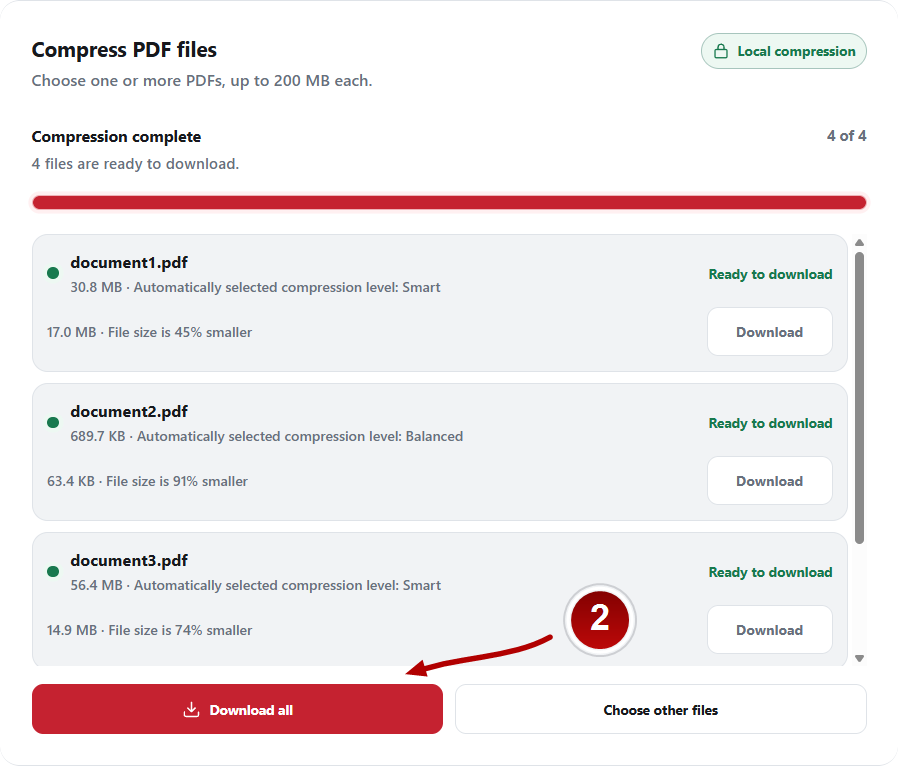
Queue multiple PDFs, follow each result, then download files individually or all at once.
Let the document analysis recommend a level, or select the balance between clarity and size yourself.
A clear workflow
No account or configuration maze. The extension keeps the process visible and predictable.
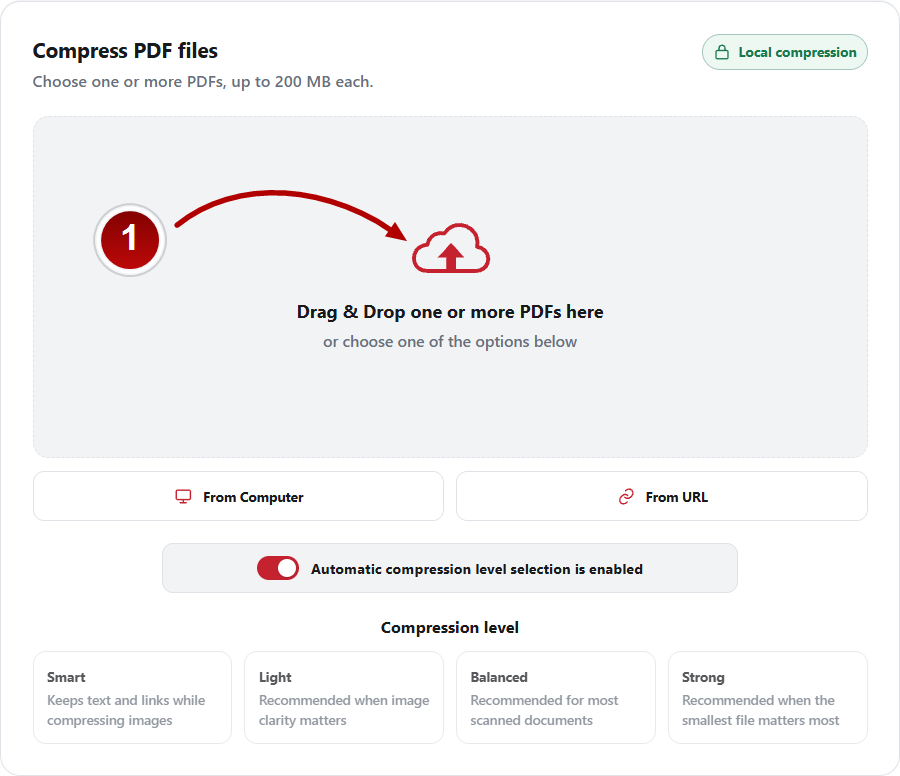
Drag and drop files, choose them from your computer, or use a direct HTTPS URL.
Keep automatic selection enabled or pick Smart, Light, Balanced, or Strong.
Save each completed PDF separately or use Download all for the finished batch.
Four compression levels
Start with automatic selection, then take control whenever a specific PDF needs a different balance.
Keeps text and links while compressing compatible images.
Recommended when image clarity matters.
Recommended for most scanned documents.
Recommended when the smallest file matters most.
Built around privacy
Compression runs locally in the extension. There is no account, document library, or remote compression queue holding your files.
Frequently asked
No. PDF compression runs locally inside the extension.
Each selected PDF can be up to 200 MB.
No. Automatic selection is enabled by default, and you can switch to manual control whenever you prefer.
Yes. Add multiple files, monitor the queue, and download completed results individually or together.
Ready when you are
The usage guide walks through opening the extension, adding PDFs, and downloading a completed batch.